
Odoo
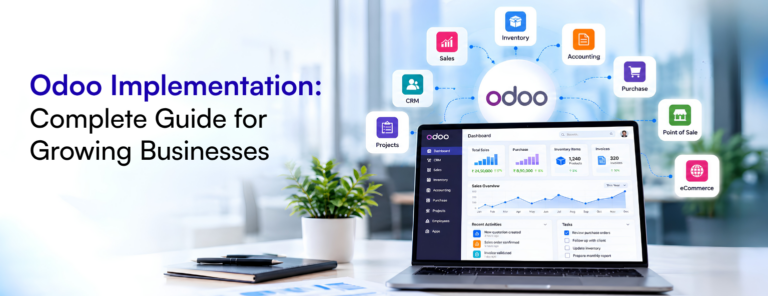
Odoo Implementation: Complete Guide for Growing Businesses
Odoo implementation helps growing businesses bring sales, accounting, inventory and other business processes into one connected system. Learn how to…
Read article

Where most WooCommerce stores lose visibility, and how to fix it.
August 23, 2026

A WooCommerce store on its own is just a storefront. The moment it needs to know what’s in stock, what something actually costs, or where an order stands after checkout, it needs to talk to whatever system is running the rest of the business. Most stores never get that connection built, and the gap shows up as manual work nobody signed up for.
It’s rarely a dramatic failure. It’s someone exporting an orders CSV every morning and re-entering it into accounting. It’s a spreadsheet tracking stock that’s always a day behind the website. Each workaround is small on its own, but they add up to a store that runs on manual effort instead of automation.
If stock levels in WooCommerce don’t reflect what’s actually on the shelf or in the warehouse, you’re one busy day away from selling something you don’t have. This is usually the first thing worth connecting, because it’s the one that costs you a customer, not just time.
A sale on the website should update stock everywhere else automatically. Revenue should land in accounting without anyone re-typing it. A customer’s order history should be visible to whoever’s talking to them, whether that’s support or sales. None of this is exotic — it’s what most businesses assume is already happening until they check.
You don’t need to connect everything at once. Find the one manual step that eats the most time or causes the most mistakes, and fix that first. Inventory sync and order-to-accounting are usually where the biggest wins are, but it depends on where your team is actually losing time.
A WooCommerce store that’s connected to the rest of the business stops being a second job for whoever’s stuck reconciling it by hand.
Keep reading
Odoo
Odoo implementation helps growing businesses bring sales, accounting, inventory and other business processes into one connected system. Learn how to…
Read article
Business Automation
A practical way to identify which processes are worth automating first.
Read article