
Odoo
Odoo Implementation: Complete Guide for Growing Businesses
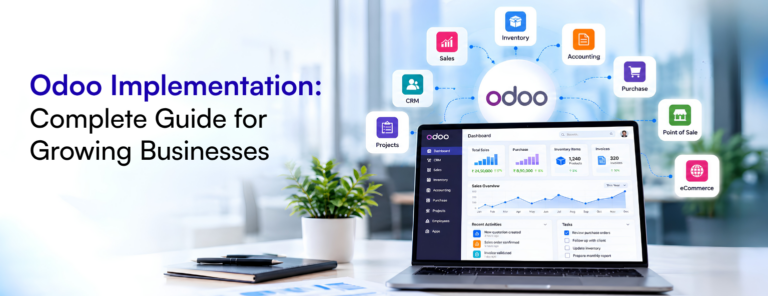
Odoo implementation helps growing businesses bring sales, accounting, inventory and other business processes into one connected system. Learn how to…
Read article

A practical way to identify which processes are worth automating first.
August 23, 2026

Not every manual task is worth automating, and trying to automate everything at once is usually how automation projects stall out. The businesses that get real value from it tend to start narrow, prove it works, and expand from there.
Something that happens twice a month and takes ten minutes probably isn’t worth the effort of building and maintaining an automation for. The candidates worth looking at are the ones that happen often, take real time, or are prone to mistakes when a person does them under pressure.
A task is usually worth automating if it’s repetitive (the same steps, every time), rule-based (a person could explain the decision in a sentence or two), and error-prone when done manually — approvals, data entry between two systems, and routine notifications tend to hit all three.
Pick one process, automate it, and let it run for a few weeks before moving to the next one. This does two things: it proves the automation actually works with real data, and it gives your team a concrete example of what “automated” looks like before you ask them to trust it with something bigger.
If a process is broken or inconsistent, automating it just makes the broken version happen faster. It’s worth fixing the process first, or automating alongside a cleanup, rather than locking in a workaround as the new standard.
The goal isn’t to automate everything. It’s to get the repetitive, error-prone work off someone’s plate so they’re spending time on the parts of the job that actually need a person.
Keep reading
Odoo
Odoo implementation helps growing businesses bring sales, accounting, inventory and other business processes into one connected system. Learn how to…
Read article
Ecommerce
Where most WooCommerce stores lose visibility, and how to fix it.
Read article